
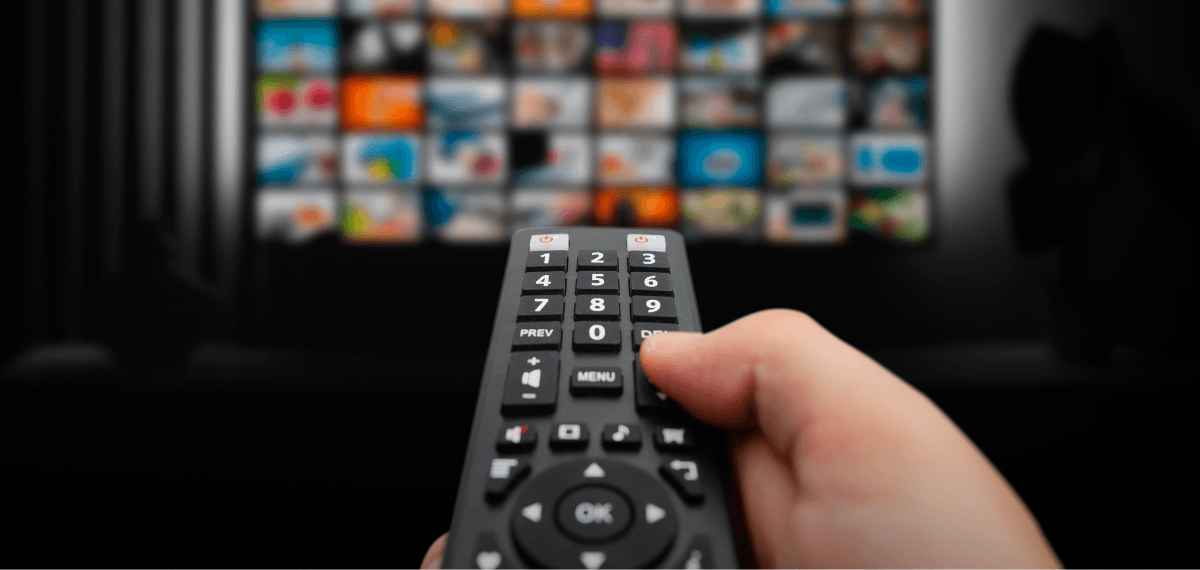
Best IPTV Settings: Your Guide to Smooth Streaming
Finding the right IPTV Settings can feel like a technical maze, especially with so many different apps and devices out there. Fortunately, we have simplified the process so you can spend less time troubleshooting and more time watching. Let’s look at the specific tweaks that will make your setup feel brand new.
Optimize Your Buffer Size
One of the most important IPTV Settings you can change is the “Buffer Size” or “Cache” within your player app. Most apps like TiviMate or IPTV Smarters allow you to set this to “Small,” “Medium,” or “Large.” If your internet is slightly unstable, choosing a larger buffer allows the app to download more video in advance. Consequently, this creates a safety net that prevents the stream from stopping if your speed dips for a second. If you are setting up a system for a larger business, our IPTV for hotels guide has even more advanced network tips.
Adjust Hardware Decoding
Your device has to “decode” the video signal, and how it does this matters a lot. In your IPTV Settings, look for the “Playback” menu and find “Hardware Decoding.” Usually, “Hardware” is the best choice because it uses your device’s physical chip to process video. However, if you experience a black screen with audio, try switching to “Software” decoding. This simple switch can often fix compatibility issues with older streaming boxes. To find a device that handles decoding like a pro, browse our latest Shop for premium hardware.
Ready for a Better Streaming Experience?
Stop wasting time on settings that don’t work with a bad provider. Grab a free trial from us today and experience what real HD streaming looks like.
Select the Right EPG Source for IPTV Settings
A smooth experience isn’t just about the video; it’s about the interface too. In your IPTV Settings, make sure your Electronic Program Guide (EPG) is set to update daily. This ensures you always have the correct channel listings and show times at your fingertips. Furthermore, if your app feels sluggish, try reducing the number of days the EPG stores in its memory. This keeps the app lightweight and snappy, allowing you to navigate through thousands of channels without any lag.
Network and Connection Tweaks
While software is important your network IPTV settings are the base of everything. Always try to use an IP address for your streaming device if your router allows it. This stops the device from losing its connection when it restarts or when there is a power flicker. Also changing your DNS settings to a provider like Cloudflare (1.1.1.1) or Google (8.8.8.8) can make a big difference, in how quickly a channel starts playing. Just remember that our service is set up for one device at a time so make sure your other devices are not using all the bandwidth!

Need a better streaming experience?
we provide high-quality, stable connections that actually work. You can even contact us to get a free trial and see the difference for yourself before you buy!
Related Content
Best IPTV Settings: Your Guide to Smooth Streaming Finding the right IPTV Settings can feel like a technical maze, especially with so …
How to Stop IPTV Buffering on Firestick Setting up an IPTV multi-screen setup is the dream for any serious sports fan. Fortunately, …
FAQ: Best IPTV Settings for 2026
For most users, a “Medium” or 5-second buffer is perfect. If you have very fast internet, you can set it to “None” for instant channel switching.
You can easily grab a free trial from us. This lets you play with the settings and verify the quality before you make a purchase.