
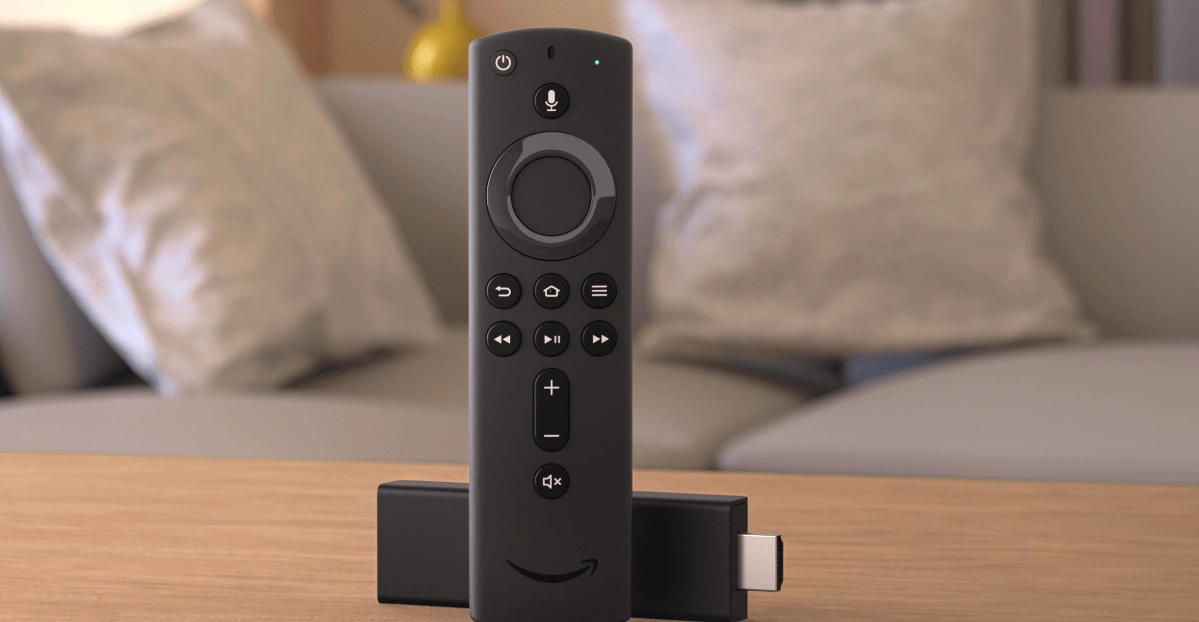
How to Stop IPTV Buffering on Firestick
We have all been there. You are right in the middle of a big game or your favorite show, and suddenly—the spinning circle appears. Dealing with IPTV buffering on Firestick is incredibly frustrating, especially when you just want to relax. It feels like no matter what you do, the lag just won’t quit. Don’t worry, though, because we are here to help you get back to smooth, crystal-clear streaming.
Clear Cache to stop IPTV buffering on Firestick
One of the main reasons for IPTV buffering on Firestick is a cluttered cache. Every time you stream, your app stores temporary data. Eventually, this data builds up and slows everything down.To fix this, go to Settings > Applications > Manage Installed Applications. Find your IPTV app and select Clear Cache. This simple move frees up instant memory for your stream. If you find your current provider is still lagging after this, it might be time for a change. You can always check out a free trial to test a more optimized server.
Disable Background Data Monitoring
Your Firestick is a bit of a chatterbox. By default, it constantly sends “usage data” back to Amazon. This uses up precious CPU power and bandwidth that should be going to your video.
Navigate to Settings > Preferences > Privacy Settings. Turn off Device Usage Data and Collect App Usage Data. While you are there, go back one menu to Data Monitoring and turn that off too. This stops your device from working overtime on things you don’t need.
Ready for a Better Streaming Experience?
Stop wasting time on settings that don’t work with a bad provider. Grab a free trial from us today and experience what real HD streaming looks like.
Switch to a 5GHz Wi-Fi Band
If you are still seeing IPTV buffering on Firestick, your Wi-Fi might be the culprit. Most routers have two bands: 2.4GHz and 5GHz. The 2.4GHz band is crowded and slow.Go to your Firestick Network Settings and make sure you are connected to the 5GHz version of your Wi-Fi. It handles high-speed video much better. For the absolute best results, we always recommend a wired Ethernet adapter. It’s the gold standard for stability in 2026.
Change Your Video Resolution to "Auto"
Sometimes, forcing your Firestick to 4K when your internet is struggling causes a bottleneck. Instead, go to Settings > Display & Sounds > Display > Video Resolution.Set this to Auto. This allows the device to adjust slightly if your speed fluctuates, preventing that dreaded hard freeze. If you’ve optimized everything and it still fails, the issue is likely your provider’s server capacity. You can browse our Shop for premium, high-bandwidth plans that handle 4K easily.
Use a Quality IPTV Player
The app you use matters just as much as the device. Older players don’t handle modern streams well. We suggest using updated apps like TiviMate or IPTV Smarters Pro. These apps have better “Hardware Decoding” which helps process video faster.
For more tips on setting up specialized systems, check out our guide on IPTV for hotels. It covers how to manage large-scale streaming without any lag.

Need a better streaming experience?
we provide high-quality, stable connections that actually work. You can even contact us to get a free trial and see the difference for yourself before you buy!
Related Content

Set Up TiviMate Easily Today Download the app to Set Up TiviMate Easily Today on your smart TV.You can Set Up TiviMate …
IPTV Smarters Pro Setup Guide For Smart TVs IPTV Smarters Pro Setup Guide For Smart TVs makes streaming straightforward, smooth, and accessible for …
FAQ: Solving IPTV Buffering on Firestick
This is usually due to a slow internet connection, ISP throttling, or an overloaded server from your provider. Try clearing your cache first.
Yes! If your ISP is “throttling” (slowing down) your streaming traffic, a VPN hides your activity and can actually speed up your connection.
Absolutely! We believe in our quality, so we offer a free trial. Just contact us through our website to get your login details.